
The latest update of Safari (v11) has changed how audio is handled in the browser. Auto-Playing audio has been disabled by default meaning an action from the listener (for example, clicking a play button) is now required in order to play audio. This means that your Mixlr livepage will no longer automatically play for your listeners if they use Safari.
A similar update is expected to affect Chrome in the near future (starting with v64).
To ensure your listeners can still tune in to your broadcasts we’ve updated the livepage so when someone visits your page using Safari they will now see a play button. Clicking this button will start your live broadcast playing.
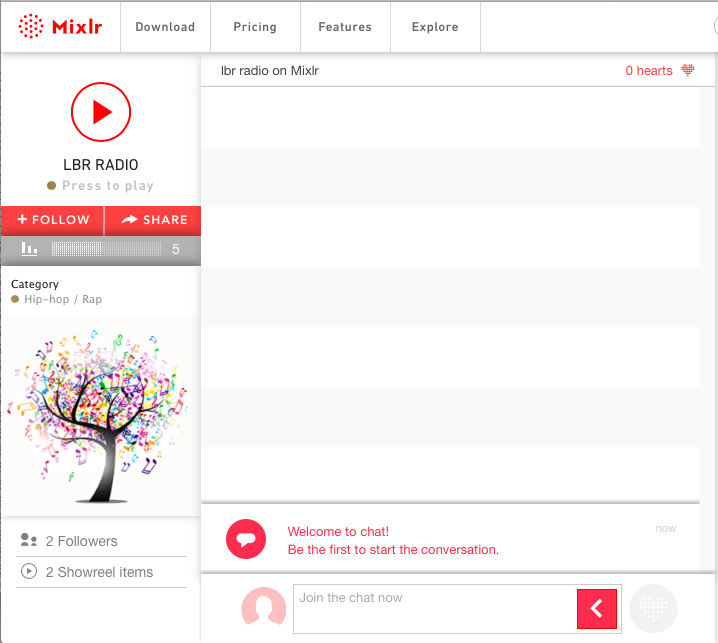
It’s also possible for your listeners to enable Auto-Play in Safari - see this support article for more information.
If you have any questions please get in touch with the team.
