
After last week’s news about chat inside the broadcast app, we’re happy to announce another improvement for our broadcasters.
We’ve updated our broadcast app for Windows and Mac OS X again, this time giving you more control over your broadcast title, category and sharing.
What’s changed?
We’ve tweaked the Mixlr app to work a little more usefully when you start a broadcast. As usual, just press the big button to go live.
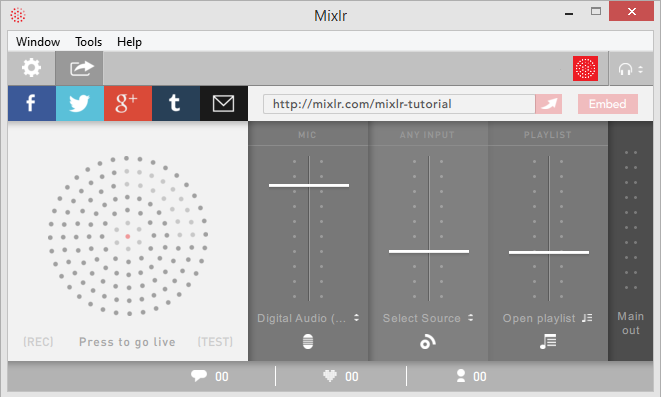
After you go live, you’ll find a new view appears, prompting you to (optionally) edit your broadcast title and category.
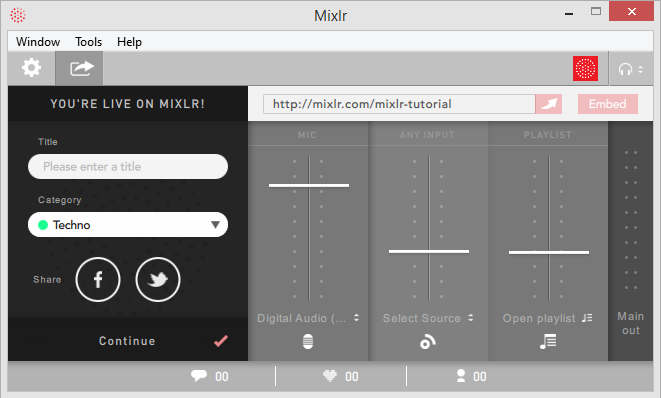
Don’t worry - you’re already live on Mixlr at this stage! But any changes you make will be automatically updated on your listeners’ pages too.
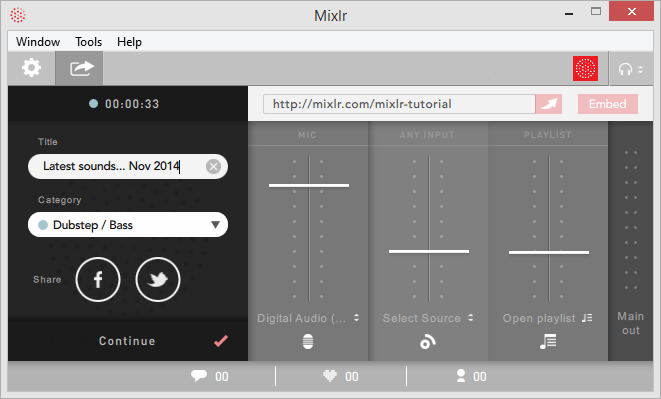
We’ve also made it easier to share to Facebook and Twitter too. Just click the share icons to log in to your accounts, and share your live broadcast when you click “Share and continue”.
We’re phasing out our old autoshare features, so you can be sure that you know what will be shared, and when.
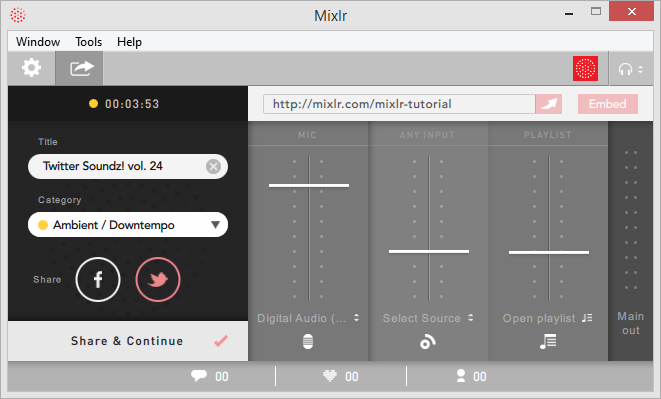
Don’t forget that once you’ve shared, you can chat with your listeners right inside the app using our new chat feature.
We hope you like these improvements to your app. As usual, if you’ve got feedback then we want to hear about it.
