
This post walks through the simple steps you need to take to change your username and/or password.
1. How to change your username
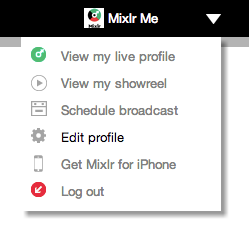
Select edit profile from the account drop-down menu found in the top right-hand corner of any Mixlr page:
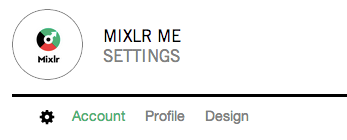
Select account in settings:
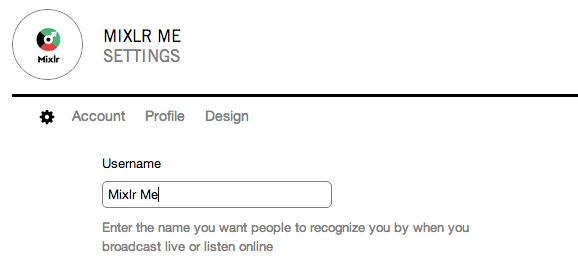
Once in here you will see your username, and can change it by simply typing in your new name:
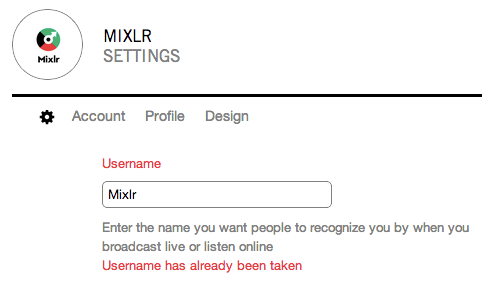
You will be informed if the name is already taken:
Once your new username has been saved, your account name will be updated, as will the url associated with your account.
2. How to change your password
Try to login as normal, and you will be presented with the different login options, choose email. Here you will see the option to reset your password:
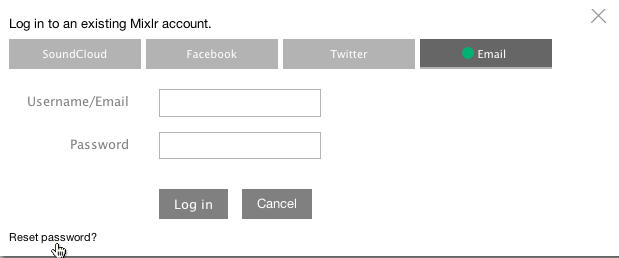
You will be taken to page asking for the email address associated with your account. Enter this and you will receive an authentication email allowing you to rest your password.
