
The My Mixlr tab in our iPhone app is a great place to discover live content on Mixlr. It helps you decide what to listen to based on who you follow and what your friends are listening to.
My Mixlr is broken down into three sections; on-air, listening and invite friends.
On-Air
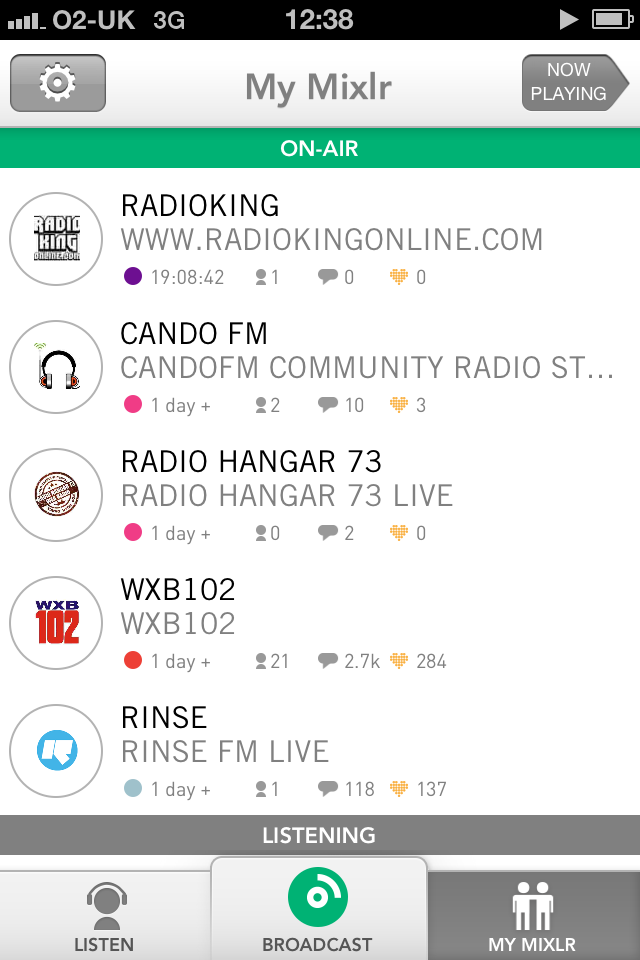
This displays a list of live broadcasters that you follow. This at-a-glance view allows you to see how long they’ve been on-air, how many people are in their crowd and how much chatting and hearting is going down.
Listening
Here you can see which live broadcasts your friends are listening to.
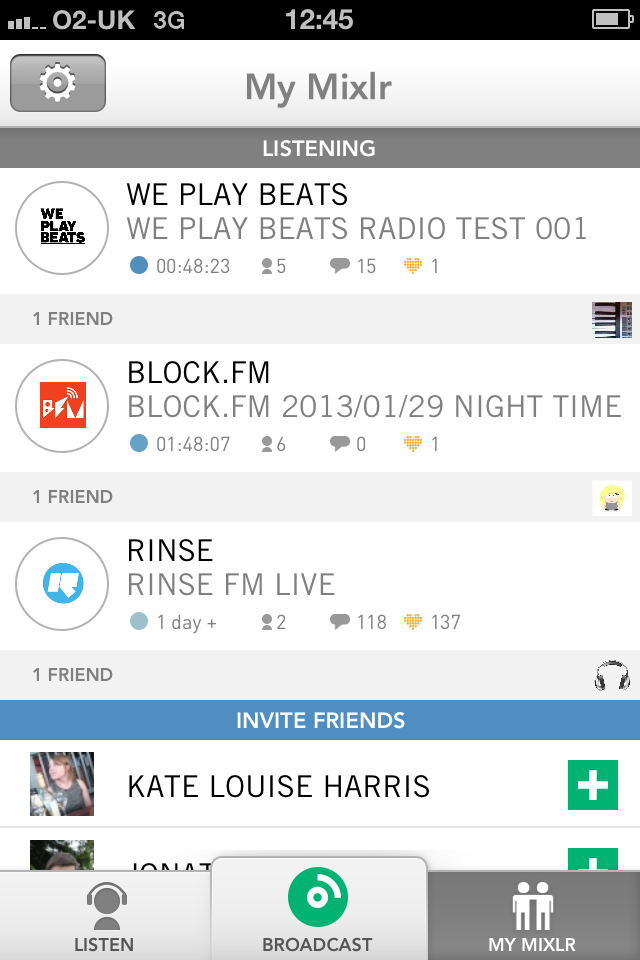
Tapping on any broadcast in the on-air or listening sections will take you directly to the broadcasters live page.
Invite friends
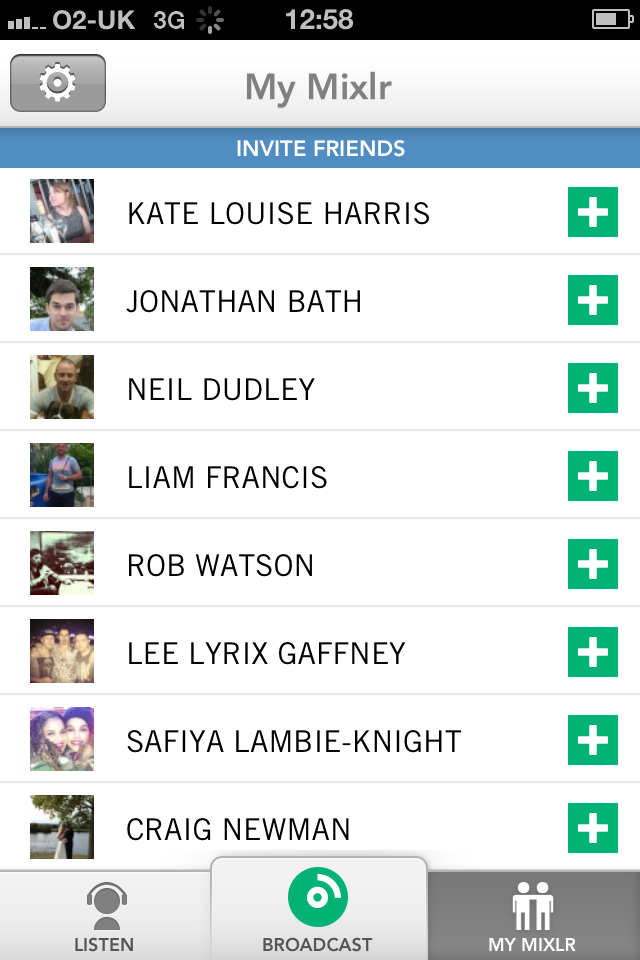
Here you will find a list of all your Facebook friends, simply tap to select which friends you’d like to join you on Mixlr, and send them an invite.
My Mixlr is a great way to see which of your favourite broadcasters are on air right now, check it out.
